LittleTale
Guide
Printing your storybook PDF
Every LittleTale book comes as a PDF: fifteen pages, from the cover to the back cover. Here is how to turn it into something to hold.
What is in the file
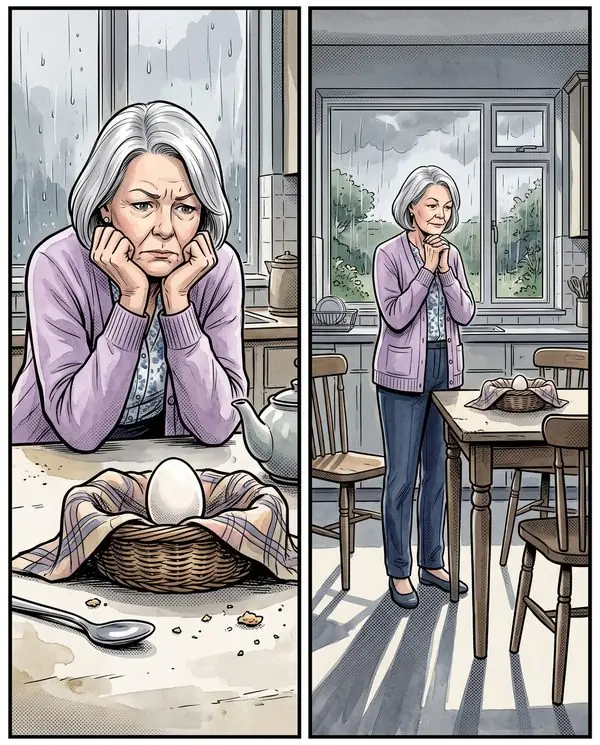
The PDF has fifteen pages: the cover, a title page, the twelve story pages and a back cover. The pages are tall, close to a 2:3 shape, and saved at high resolution, so they print sharply at US Letter size (8.5 by 11 inches) and larger.
Printing at home
- Open the PDF and choose Print.
- Set the scaling to Fit or Fit to page, portrait.
- Choose the highest quality setting your printer offers.
- Use heavier paper if you have it: matte photo paper or 32 lb (120 gsm) paper holds color far better than everyday copy paper.
- Print one page first to check color and margins, then the rest.
Because the pages are taller than Letter, a narrow white border is left at the sides. Keep it as a frame, or trim it with a paper cutter.
Printing at a print shop
Any office or copy shop that prints color documents can print the PDF. Ask for color, single-sided, on cardstock or heavyweight paper, and for the scaling to be set to fit the page.
Binding options, from simplest to most book-like:
- A clear-front report cover with a slide-on spine. Cheap and quick.
- Coil or comb binding. Lies flat when open.
- A stapled booklet (saddle stitch). Booklets need a page count in multiples of four, so ask for one blank page at the end to make sixteen.
Making it feel like a gift
- Print the cover on its own, on cardstock, and use it as the card.
- Tie the printed pages with a ribbon, or slip them into a large envelope.
- Print one favorite page and frame it beside the book.
Reading it on a screen
The private link opens on any phone, tablet or computer, with pages that turn. On a phone you can also save the PDF to Files or Books so it opens without a connection.
What paper size should I use?
US Letter works, with the scaling set to fit the page. Larger sizes such as tabloid print even more comfortably, because the pages are tall and high resolution.
Can I print more than one copy?
Yes. The PDF is yours to print for your own use, as many times as you like: one to give and one to keep, for example.